Even with the loss of my work, I managed to produce a presentation
of my work using the work in process colour concepts of my second character.
The presentation went really well, lots of positive reaction to the silhouette
scribbles I did, and some really good criticism of my second character as well
as the two chosen silhouettes.
EVAULATING MY FEEDBACK
I
received some really good comments about my chosen silhouettes. The smaller one
looked like a ‘Kick-ass fairy’ and the other one looked like ‘lobster monster’
stated by one of my tutors. My concept purposely went against these
silhouettes, as I thought it would have been obvious to go with what the silhouette
had already prepared for me, but now when I think back to it, I literally had the
perfect concepts in them and I decided to be clever, which I now see, really
shouldn’t have done.
It was pointed out that my second
character, In comparison to the silhouette, I lost the overall form. In trying
to make it more anatomically correct in relation to a gorilla, the form which
was its major drawing point was lost. I did mention that I struggle to
understand how to stylise, as I feel you need a solid grasp on anatomy, the
skeleton structure and the muscle structure, to create a functioning stylisation.
My first character had questions more
relating to the modelling stage. In my concepts, she was a mesh skirt which is
slightly transparent, which I was asked if that would be transparent on the
model, which it is.
MOVING FORWARD
I only have a little bit to model
before I can move onto texturing the Korean Goddess. I plan on texturing the
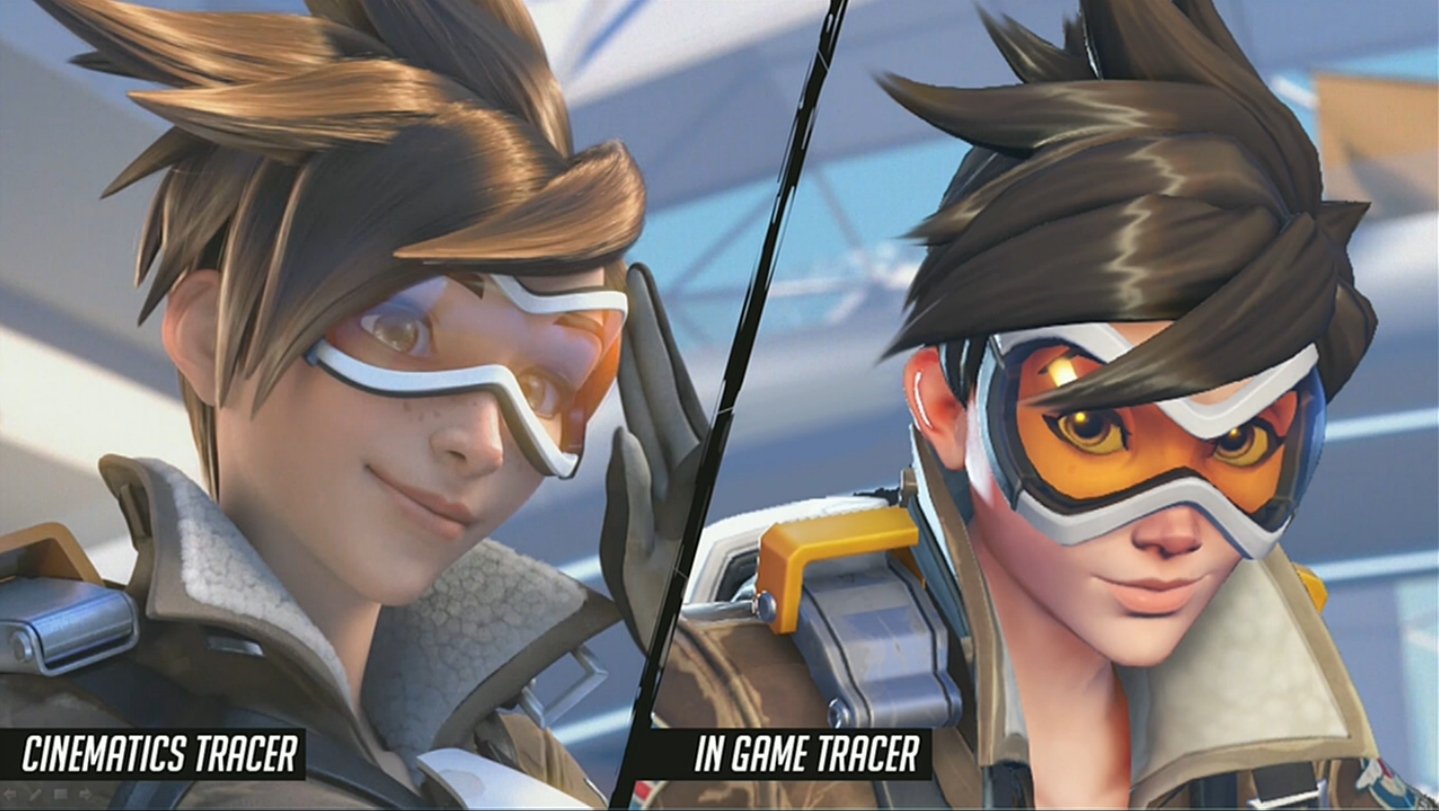
goddess in the style of Overwatch, as the models are quite simply textured on
the Albedo, yet most of the fabric detailing comes from the other maps applied
to the model, such as Roughness maps and normal maps. As I’m not too good when
it comes to texturing it makes sense to work simplistic at first to understand
the basics.
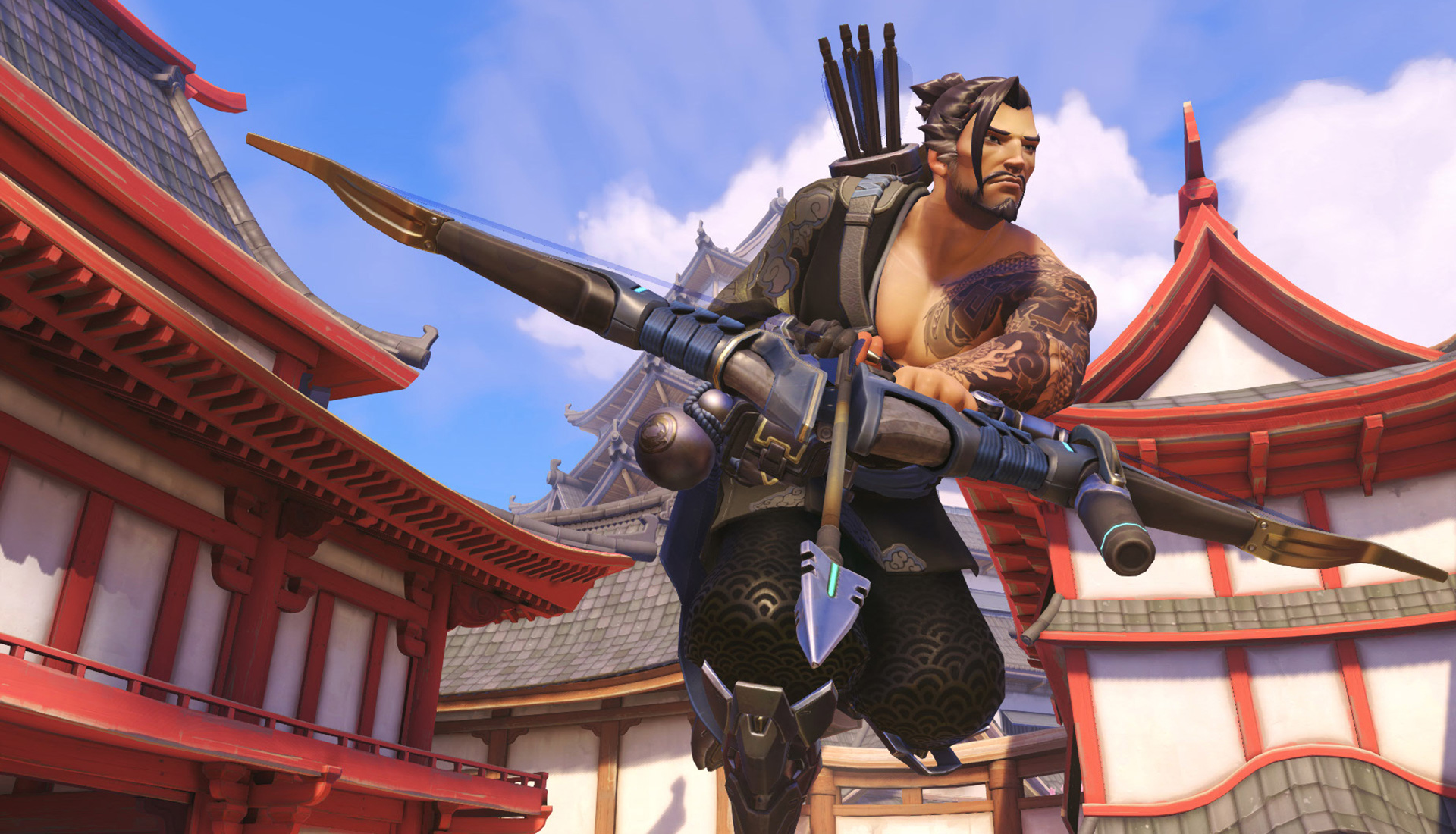 |
Looking at Hanzo’s Trousers you
can see where the specular map has been used to create this pattern along with
a normal map. Overall it’s Diffuse/Albedo it quite simple, and most of the
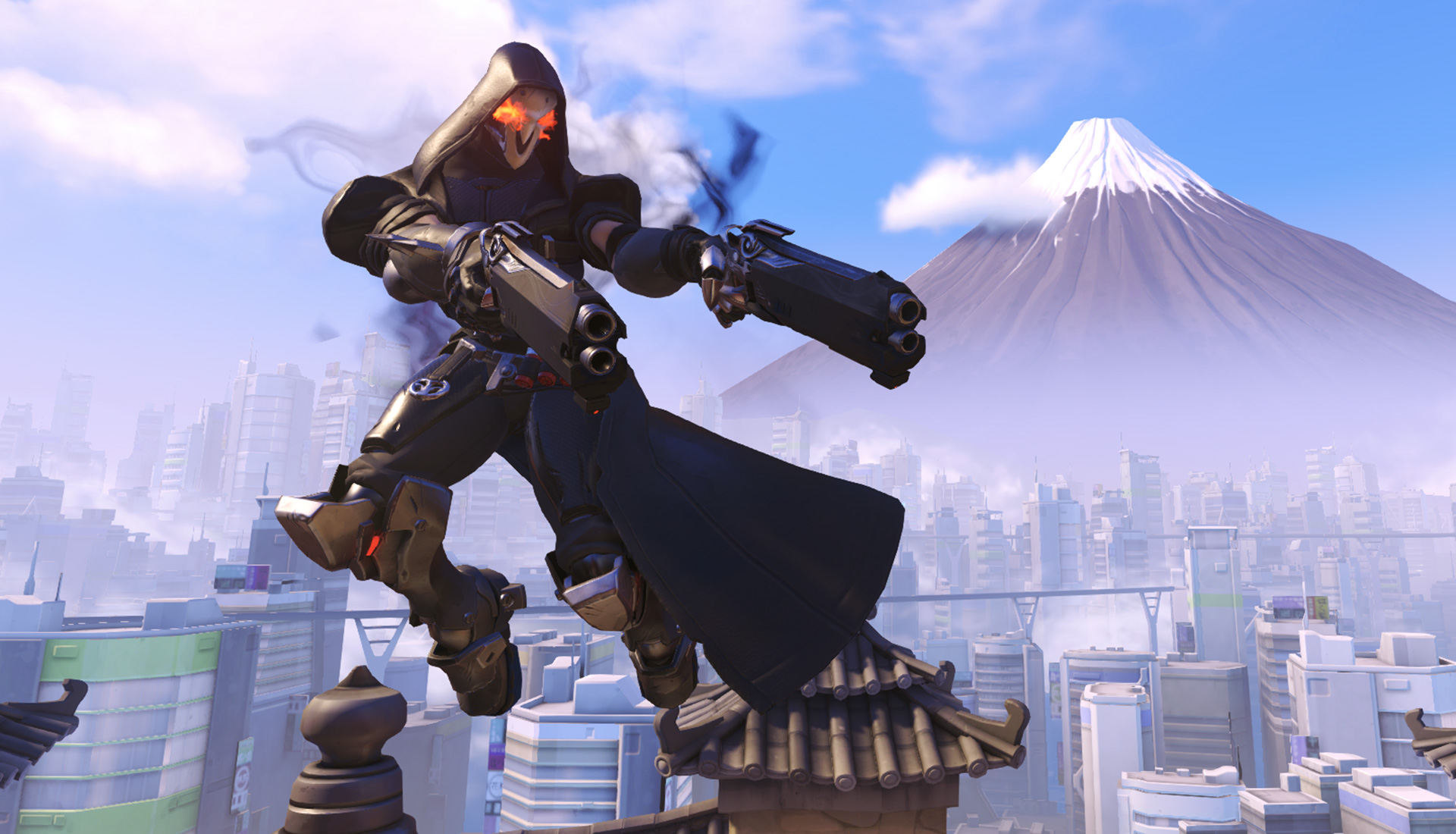
details are pulled from other maps. The same can be said below for Reaper,
except the detailing is on his diffuse, and then the Specular map is used for
the carbon fibre armour.
|